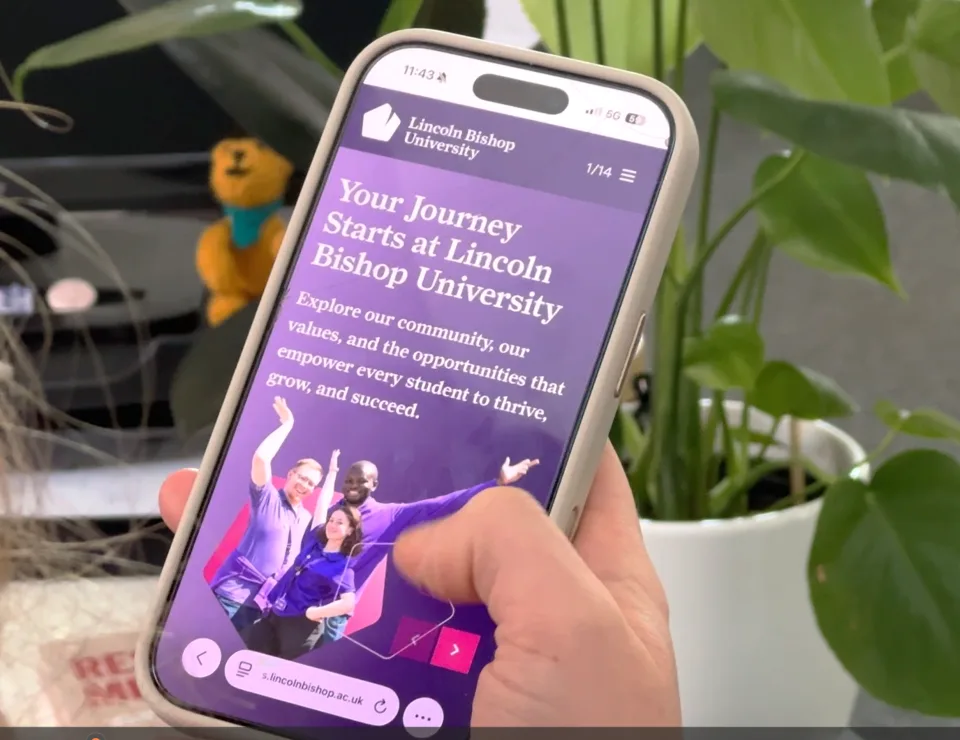
Setting up your device will allow you access to the following services…
- Wi-Fi – Fast free Wi-Fi using eduroam, it even works at other insinuations.
- Student Hub – Your place for everything Lincoln Bishop! Android, iOS, and the Web!
- Microsoft 365 - Your MS Hub, e-mail, calendar, files (OneDrive), apps, and downloadable copies of Microsoft Office for free.
Additional Software packages - to help you in your studies can be download for FREE here: Student Hub - Support with IT, Computers and Software.
Your tutor will tell you about these if you need them during your course.
- Blackboard - our Online Learning Environment - submit your assessments and interact with your course.
- Printing – on-campus multi-function printers and digital print services. Print from any device here, choose Web Print and upload your document. You can also Add Credit online here.
- 24/7 IT Access - fixed IT resources are available in our Library and a 24-hour computer suite.
IT Help & Support – All of our IT advice can be found on the Student Hub here.
For any help or guidance on how to get set up, please contact the IT team at https://helpdesk.bishopg.ac.uk/it
What IT device(s) should I bring?
A Windows 11 Laptop is our recommended choice for your life at University. Our minimum recommended specification:
Operating System: Windows 11 Home or Pro (Not in “S” mode)
CPU: Intel Core Ultra 5+ or AMD Ryzen 5+
Storage: 256GB SSD+
GPU: Not required (unless gaming/video editing etc)
Built-in camera/microphone
Screen Size: 13”+
If you prefer you can use an Apple MacBook with macOS 26 Tahoe (or higher), but this is only recommended if you have previous experience of using a Mac. Buying a new Mac will ensure it lasts throughout your time at university. Older Mac’s may last depending on their age but usually get cut off from updates once they reach a certain age.
We do not recommend purchasing Google Chromebooks or any laptops with ARM or Celeron CPU’s, or any Intel CPU’s starting with a letter N, e.g. – Intel Processor N150 – these are very weak and are typically found in cheap laptops.
Smartphones (Android/iOS), Android Tablets and Apple iPads can complement your main device but are not recommended as your only device.